02
What Is Two-Factor Authentication (2FA)? How It Works & Benefits
Two-factor authentication adds a vital security layer, and this guide explains everything you need to know to pick the best method.
Did you know that 81% of data breaches in 2023 involved compromised passwords? A single stolen password can open the door to bank accounts, email, and corporate networks. Choosing the right two-factor authentication (2FA) approach can mean the difference between a harmless inconvenience and a full‑blown security incident. When the right extra step is in place, hackers are forced to stop at a gate they cannot easily pick.
What Does Two-Factor Authentication Mean?
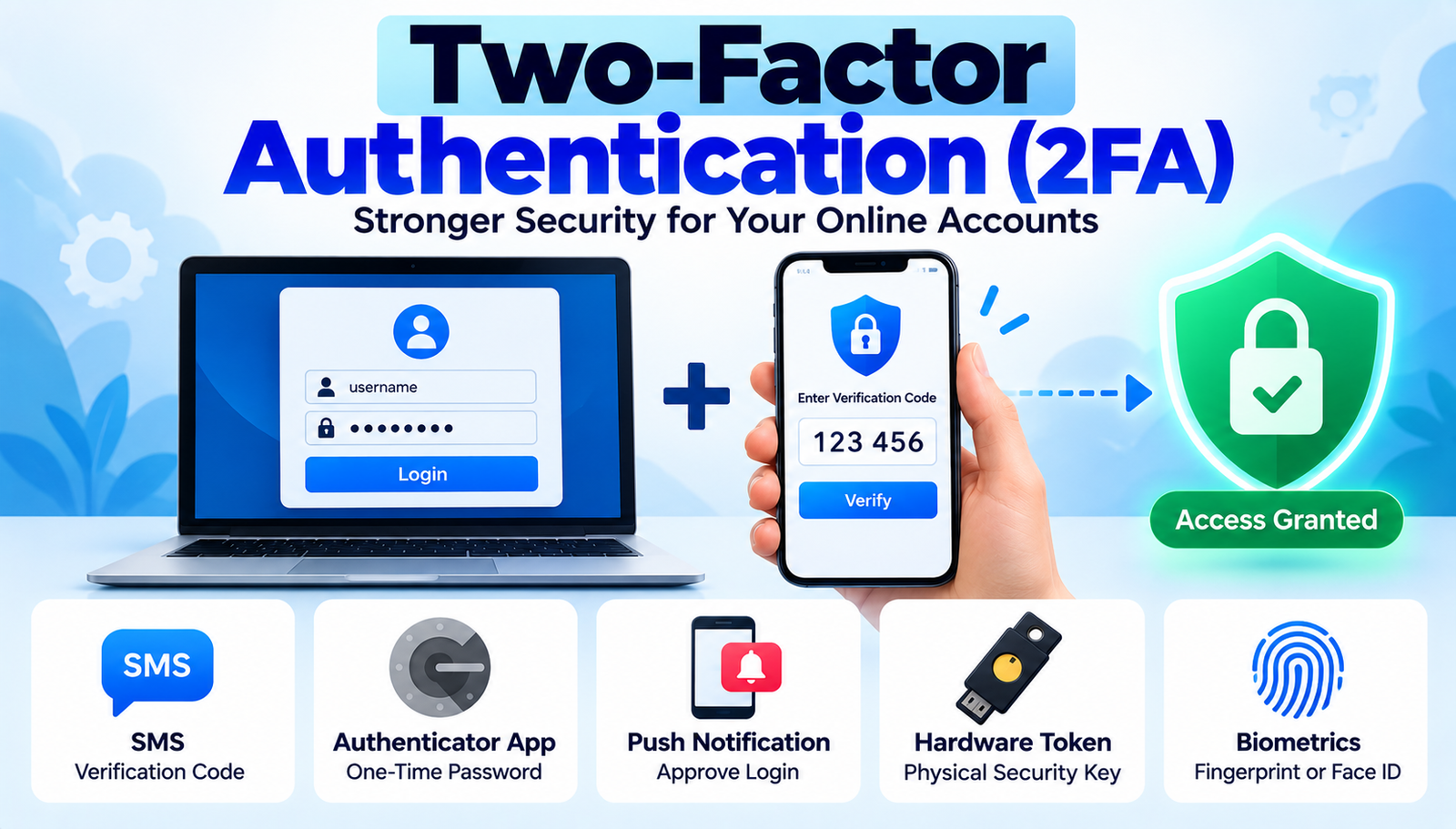
Two-factor authentication, often abbreviated as 2FA, is a security protocol that requires users to provide two separate forms of identification before gaining access to an account. The first factor is typically something the user knows like a password or PIN. The second factor is something the user has (a hardware token, a mobile device) or something the user is (a biometric trait such as a fingerprint or facial pattern). By demanding two distinct categories, 2FA dramatically reduces the odds that a single compromised credential will grant unauthorized entry.
In practice, 2FA works like a double‑locked door. Imagine a small boutique in Seattle that stores vintage watches. The shop owner, Maya, uses a password to lock the front door, but she also installs a keypad that only she can open with a physical token. Even if a thief steals the key, they still cannot get past the keypad. The same principle applies to digital accounts: a password alone is no longer sufficient; a second verification step must be satisfied.
- Security Level
- How resistant the method is to phishing, man-in-the-middle, and cloning attacks.
- User Convenience
- The time and effort required for the user to complete the second step.
- Implementation Cost
- Initial setup expenses, licensing fees, and ongoing maintenance costs.
- Device Dependency
- Whether the method relies on specific hardware or software devices.
Two-Factor Authentication Methods Worth Knowing
1. SMS Text Message Codes
When a user logs in, a one‑time password (OTP) is sent via a text message to the registered mobile number. The user then types the code to complete authentication.
Key Benefits:
- Widely supported across almost every online service.
- No additional app installation required.
- Works on basic feature phones, not just smartphones.
Drawbacks:
- Vulnerable to SIM‑swap attacks and interception.
- Delivery can be delayed in areas with poor cellular coverage.
Best for: Organizations needing a quick, low‑cost rollout for a broad user base.
2. Authenticator Apps (TOTP)
Time‑Based One‑Time Password (TOTP) apps such as Google Authenticator, Microsoft Authenticator, or Authy generate a six‑digit code that changes every 30 seconds. The code is derived from a shared secret and the current timestamp.
Key Benefits:
- Strong resistance to phishing; codes are generated locally.
- Works offline no internet or cellular connection needed.
- Free to use and open‑source options exist.
Drawbacks:
- Initial setup requires scanning a QR code or entering a secret.
- Loss of the device means loss of access unless backup codes are stored.
Best for: Tech‑savvy users and enterprises that prioritize security over convenience.
3. Push Notification Services
Services like Duo Mobile or Auth0 send a push notification to a registered smartphone. The user simply taps "Approve" or "Deny" to confirm the login attempt.
Key Benefits:
- One‑tap approval makes the experience frictionless.
- Rich context (location, IP address) can be displayed for phishing awareness.
- Supports device management and remote wipe.
Drawbacks:
- Requires an active internet connection on the mobile device.
- Enterprise‑grade solutions can be costly.
Best for: Companies that want a balance of security and user‑friendly experience.
4. Hardware Security Tokens (U2F/YubiKey)
Physical devices like YubiKey or Feitian tokens plug into a USB, NFC, or Lightning port. When prompted, the user touches the token, which cryptographically signs the authentication request.
Key Benefits:
- Phishing‑proof; the token only works for the intended site.
- Durable and tamper‑resistant.
- No battery or network dependency.
Drawbacks:
- Initial hardware purchase cost.
- Not as convenient for users who travel frequently without their token.
Best for: High‑value accounts, financial institutions, and security‑focused organizations.
5. Biometric Authentication
Biometrics use unique physical traits fingerprint, facial recognition, or voice to verify identity. Modern smartphones and laptops embed secure enclaves that store biometric templates.
Key Benefits:
- Convenient; users simply present a finger or glance.
- Difficult to replicate or share.
- Often integrated into operating systems, reducing extra steps.
Drawbacks:
- Privacy concerns around storing biometric data.
- False‑reject rates can be higher in certain lighting or with worn fingerprints.
Best for: Consumer‑facing apps where seamless user experience is paramount.
- SMS Text Message
- Best For: Broad user bases with minimal tech
- Difficulty: Easy
- Cost: Low
- Speed: Medium (depends on carrier)
- Authenticator Apps (TOTP)
- Best For: Security-first environments
- Difficulty: Moderate
- Cost: Free–Low
- Speed: Fast (offline)
- Push Notifications
- Best For: Enterprises seeking ease
- Difficulty: Moderate
- Cost: Medium–High
- Speed: Instant
- Hardware Tokens (U2F)
- Best For: High-risk assets
- Difficulty: Hard
- Cost: Medium (per device)
- Speed: Instant
- Biometrics
- Best For: Consumer apps & mobile
- Difficulty: Easy–Moderate
- Cost: Varies (built-in)
- Speed: Instant
How to Choose the Right One
First, assess the risk profile of the assets being protected. A personal email account faces a different threat landscape than a corporate treasury system. High‑value targets demand methods with strong phishing resistance, such as hardware tokens or push notifications with contextual data.
Second, consider the user base. If the audience consists of non‑technical seniors, an SMS‑based solution may be the only viable path despite its weaknesses. Conversely, a development team accustomed to command‑line tools may appreciate the simplicity of a TOTP app.
Third, evaluate the cost of failure. Breaches that expose credit‑card numbers or intellectual property can incur millions in fines and reputational damage. In such scenarios, the additional expense of a hardware token program is justified.
Fourth, factor in operational overhead. Managing hardware tokens requires inventory tracking, provisioning, and de‑provisioning when employees leave. An SaaS push‑notification service may offload much of that work but introduces recurring subscription fees.
Finally, think about future scalability. A start-up that expects rapid user growth should avoid solutions that lock the organization into a single vendor or require costly hardware upgrades down the line. Open standards like FIDO2 enable a smoother transition as the user base expands.
The Impact on Consumers
When the right 2FA method is in place, the first benefit is peace of mind. Users know that even if a password leaks, a thief still faces a second barrier. Second, account recovery becomes clearer. Many services now offer backup codes or secondary devices, reducing the chance of being locked out after a lost phone. Third, trust in the brand improves. Companies that publicize robust 2FA adoption often see higher customer retention because users feel their data is respected.
Fourth, the overall ecosystem becomes more resilient. Widespread 2FA adoption forces attackers to invest in more sophisticated tools, which raises the cost of mass‑scale attacks. Fifth, users develop better security habits. The act of approving a push or entering a code reinforces the concept of multi‑layered defence.
Sixth, regulatory compliance becomes easier. Many data‑protection frameworks, such as GDPR and PCI DSS, explicitly require multi‑factor authentication for privileged access.
The Big Picture
Choosing the appropriate two‑factor authentication method hinges on balancing security, usability, and cost. By mapping risk, user demographics, and operational capacity, organizations can select a solution that protects assets without creating friction. The right 2FA strategy not only safeguards data but also builds lasting trust with users.
Contact
Missing something?
Feel free to request missing tools or give some feedback using our contact form.
Contact Us