03
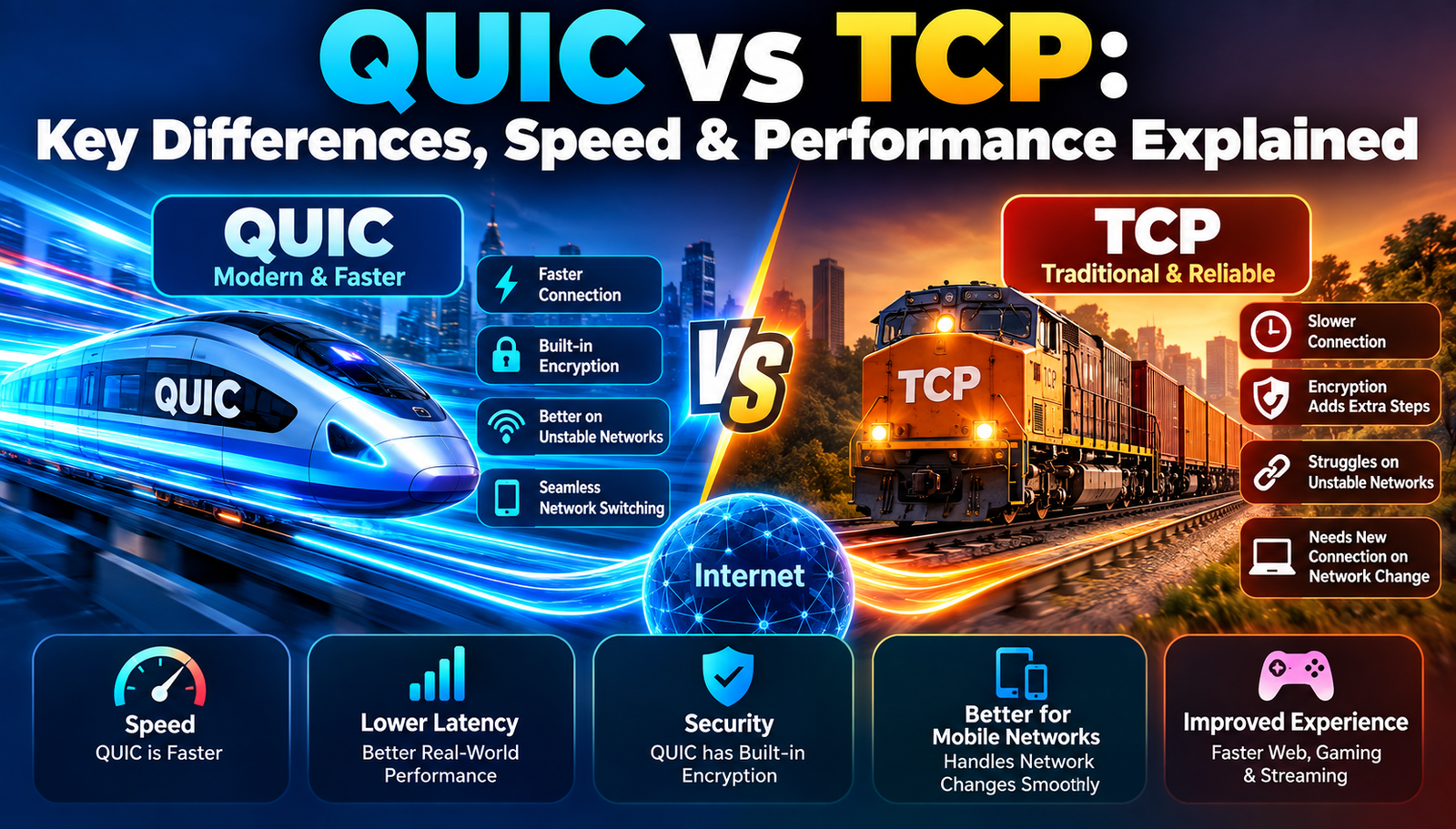
QUIC vs TCP: Key Differences, Speed & Performance Explained
Discover how QUIC reshapes everyday internet use compared to TCP, with clear benefits and practical takeaways.
Ever wondered why a video loads instantly on one device but buffers on another, even though both are on the same Wi‑Fi? Or why a webpage sometimes feels sluggish despite a fast internet plan? These everyday frustrations often trace back to the underlying transport protocol that moves data across the internet. While most people only hear about "TCP" in tech news, a newer protocol called "QUIC" is quietly reshaping how data travels. Understanding the differences can illuminate why some sites feel snappier, why connections drop less often, and what to expect as the internet evolves.
What Is QUIC vs TCP?
TCP (Transmission Control Protocol) a set of rules that ensures data packets arrive in order and without errors has been the backbone of internet communication since the 1970s. It works like a reliable postal service: each letter (packet) is numbered, and the receiver acknowledges receipt, prompting the sender to resend any missing pieces. This reliability comes at the cost of extra handshakes and latency, especially on high‑latency networks.
QUIC (Quick UDP Internet Connections) a newer protocol built on top of UDP (User Datagram Protocol, which sends packets without guaranteeing order or delivery) was designed by Google to combine UDP's speed with TCP's reliability. QUIC adds encryption, congestion control, and packet recovery directly into the protocol, reducing the number of round‑trips needed to start a connection. Think of QUIC as a courier service that packages multiple letters together, tracks them in real time, and uses smart routes to avoid traffic jams, all while keeping the contents secure.
- Connection Setup
- TCP: Three-way handshake (SYN, SYN-ACK, ACK)
- QUIC: Zero-RTT or 1-RTT handshake with fewer round trips
- Underlying Transport
- TCP: TCP provides reliable, ordered delivery.
- QUIC: Uses UDP as its base with built-in reliability.
- Encryption
- TCP: Usually uses TLS on top, which can add an extra round trip.
- QUIC: Integrates TLS 1.3 without an additional round trip.
- Head-of-Line Blocking
- TCP: Yes - one lost packet can stall all following data.
- QUIC: Mitigated - lost packets are retransmitted without stopping other streams.
- Migration Support
- TCP: Limited - an IP change generally requires a new connection.
- QUIC: Built-in connection migration, such as switching from Wi-Fi to cellular.
In simple terms, TCP acts like a careful librarian who checks every book before handing it over, while QUIC behaves like a smart assistant that knows the library layout, can fetch multiple books at once, and keeps the patron’s request private without extra steps.
Top QUIC vs TCP Innovations to Know
1. Zero‑Round‑Trip Handshake
Traditional TCP requires a three‑step greeting before any data flows. QUIC can often start sending data on the first packet, called a Zero‑RTT (Round‑Trip Time) handshake.
This reduction eliminates the initial delay that can be noticeable on mobile networks or long‑distance connections. By embedding TLS 1.3 directly into the handshake, QUIC removes the extra round‑trip that TLS would otherwise need on top of TCP.
Key Benefits:
- Faster page loads for first‑time visitors.
- Reduced latency for real‑time applications like video calls.
- Improved performance on high‑latency links such as satellite internet.
2. Built‑in Multiplexing without Head‑of‑Line Blocking
TCP streams share a single connection, so a lost packet forces all streams to wait. QUIC creates independent streams within the same connection, allowing one stream to continue while another recovers lost data.
This design is especially valuable for websites that load many resources (images, scripts, videos) simultaneously. Users experience smoother scrolling and fewer pauses.
Key Benefits:
- Parallel loading of page assets without interference.
- More consistent video playback without buffering spikes.
- Better utilization of available bandwidth.
3. Integrated Encryption (TLS 1.3)
While TCP can be secured with TLS, the encryption process is layered on top, adding extra round‑trips. QUIC incorporates TLS 1.3 directly into its protocol, meaning encryption is negotiated as part of the initial connection.
The result is a secure channel that starts transmitting data immediately, enhancing privacy without sacrificing speed.
Key Benefits:
- Stronger privacy guarantees from the first byte.
- Lower overhead compared to separate TLS handshakes.
- Simplified implementation for developers.
4. Connection Migration
When a device switches from Wi‑Fi to cellular, TCP typically drops the connection and must start over, causing interruptions. QUIC tracks the connection by a unique identifier, not the IP address, allowing seamless migration.
Users on the move experience fewer dropped downloads and smoother streaming, even as network conditions change.
Key Benefits:
- Uninterrupted downloads during network switches.
- Consistent video streaming when moving between access points.
- Reduced need for application‑level reconnection logic.
5. Adaptive Congestion Control
Both TCP and QUIC employ congestion control algorithms to avoid overwhelming the network, but QUIC can update its algorithm more rapidly because it runs in user space rather than kernel space.
This flexibility enables faster reaction to changing bandwidth, leading to higher throughput and lower latency for dynamic environments.
Key Benefits:
- Higher sustained speeds on variable connections.
- Better performance for interactive gaming and cloud services.
- Reduced packet loss and retransmission overhead.
Practical Takeaways
✔ Faster Page Loads
Zero‑RTT handshakes and multiplexing mean browsers can render content sooner, especially on mobile or high‑latency links.
✔ Smoother Streaming
Reduced head‑of‑line blocking prevents a single lost packet from freezing an entire video stream, resulting in fewer pauses.
✔ Seamless Network Switching
Connection migration lets users move between Wi‑Fi and cellular without restarting downloads or losing session state.
✔ Enhanced Privacy
Integrated TLS 1.3 ensures encryption starts immediately, protecting data from eavesdroppers from the first byte.
✔ Better Use of Bandwidth
Adaptive congestion control reacts quickly to bandwidth changes, keeping throughput high without causing congestion.
✔ Lower Battery Consumption
Fewer round‑trips and quicker data transfer reduce the time radios stay active, extending battery life on mobile devices.
Where This Is Headed
- Wider Adoption Across Browsers and Servers
As more platforms implement QUIC, compatibility will become universal, diminishing the need for fallback to TCP. - Standardization of QUIC Extensions
Future IETF (Internet Engineering Task Force) extensions will add features like improved error correction and multicast support. - Integration with 5G and Edge Computing
QUIC's low latency aligns perfectly with 5G's promise of ultra‑fast, low‑latency connections, enabling richer real‑time experiences. - More Sophisticated Congestion Algorithms
Machine‑learning‑driven congestion control could further optimize throughput based on real‑time network analytics. - Expansion Beyond HTTP/3
While QUIC currently powers HTTP/3, its design allows other protocols (e.g., DNS over QUIC) to benefit from the same performance gains.
- Handshake Time
- TCP Average: 80–120 ms
- QUIC Average: 20–40 ms
- Page Load Time Reduction
- TCP Average: 0–10%
- QUIC Average: 15–30%
- Buffering Events per Hour
- TCP Average: 4–6
- QUIC Average: 1–2
- Battery Impact
- TCP Average: 12–15 mAh per hour
- QUIC Average: 8–10 mAh per hour
Final Thoughts
QUIC transforms the user experience by shaving off handshake delays, preventing single‑packet stalls, and keeping connections alive across network changes. As adoption grows, everyday internet tasks from loading a news article to streaming a live game will feel faster, smoother, and more reliable, marking a clear shift from the decades‑old TCP paradigm.
Contact
Missing something?
Feel free to request missing tools or give some feedback using our contact form.
Contact Us