03
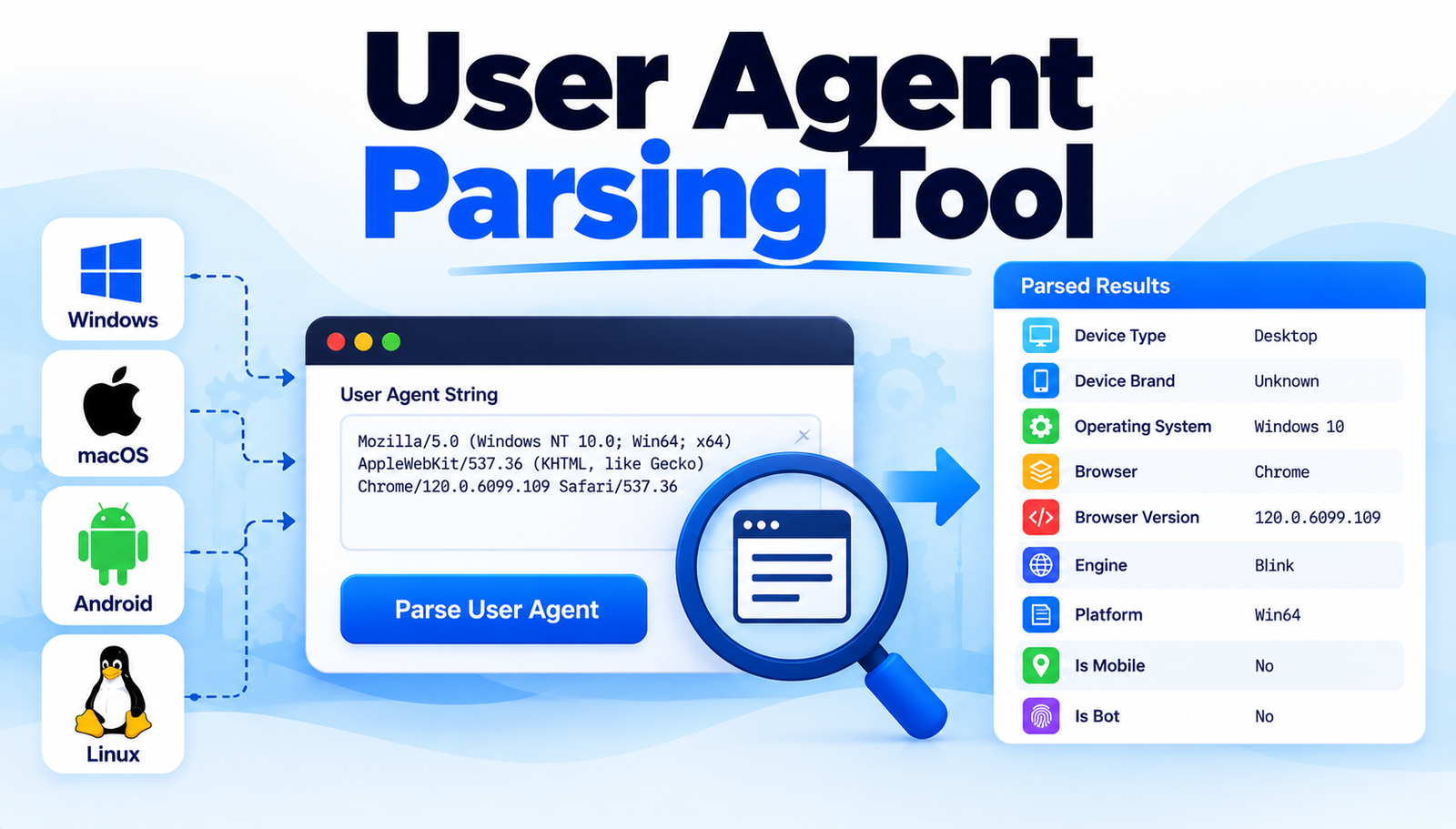
User Agent Parser: Detect Browser, OS & Device Online
Most people misinterpret user agent strings; this guide shows how to parse them correctly and get reliable browser info.
Most developers assume that simply reading the User-Agent header will instantly reveal the exact browser, version, and operating system. In reality, the string is a tangled mix of legacy identifiers, marketing tags, and sometimes even deliberately misleading information. This leads to broken feature detection, inconsistent analytics, and wasted debugging time. The frustration grows when a site works for some visitors but fails for others, all because the parsing logic was built on a shaky foundation.
Common Challenges With Defining User Agent Parsing Tool: How to Get My Browser Info
Inconsistent Formatting Across Browsers
The User-Agent string varies dramatically between browsers, and even between versions of the same browser. Chrome, Safari, Edge, and Firefox each embed their version numbers in different positions, making a one‑size‑fits‑all regex unreliable. This happens because each vendor historically added their own marketing strings to differentiate themselves, resulting in a format that is not standardized.
Legacy Tokens That No Longer Represent Reality
Many older tokens, such as MSIE for Internet Explorer, persist in modern strings for compatibility reasons. Parsing tools that rely on these tokens can mistakenly identify a browser as IE when it is actually Edge in IE compatibility mode. The reason is that browsers keep legacy identifiers to avoid breaking older sites that check for them explicitly.
Bot and Scraper Spoofing
Automated crawlers often masquerade as popular browsers by copying their User-Agent strings. This makes it difficult to differentiate genuine human traffic from bots using simple parsing. The underlying cause is that many bots aim to bypass naive detection mechanisms that only look for known browser signatures.
Mobile vs. Desktop Ambiguities
Mobile browsers frequently include both mobile and desktop identifiers, such as Mobile Safari alongside Chrome/91.0. This duality confuses parsers that expect a single clear platform token. The confusion stems from the fact that mobile browsers aim to retain compatibility with desktop‑only sites while still indicating their mobile nature.</n
Frequent Updates and New Browsers
New browsers and frequent version releases mean that static parsing tables become outdated quickly. Developers who rely on hard‑coded lists find their tools failing as soon as a new release appears. This happens because the web ecosystem evolves faster than most maintenance cycles for parsing libraries.
User Agent Parsing Methods Worth Knowing
1. Regular Expression Library with Fallback Logic
Implement a well‑structured set of regular expressions that target the most common browsers, then add fallback patterns for edge cases. Start by defining primary regexes for Chrome, Firefox, Safari, and Edge, each capturing major version numbers. Next, create secondary patterns that look for legacy tokens like MSIE or Trident and map them to modern equivalents. Finally, include a generic catch‑all that extracts any numeric version following a known product name. This layered approach ensures that even if the primary pattern fails, the fallback captures useful data.
- Strengths:
- Highly customizable to project needs.
- Fast execution because regexes are compiled once.
- Transparent logic makes debugging straightforward.
2. Open‑Source Parsing Libraries (e.g., UAParser.js)
use a community‑maintained library that already contains an extensive database of patterns. Install the library via a package manager, then call its getResult() method on the raw User-Agent string. The library returns a structured object with fields for browser, version, OS, and device type. Because the library is updated regularly, it stays current with new releases without additional effort.
- Strengths:
- Reduced development time.
- Broad coverage of browsers and devices.
- Active maintenance mitigates obsolescence.
3. Server‑Side Detection Using HTTP Headers
Combine User-Agent parsing with other HTTP headers such as Accept, Sec‑CH-UA, and Device‑Memory. On the server, read these headers and feed them into a decision tree that prioritizes modern client hints over the traditional User-Agent. Implement a middleware that extracts these values, normalizes them, and stores them in a request context for downstream use. This method reduces reliance on a single, often ambiguous header.
- Strengths:
- Higher accuracy by cross‑referencing multiple signals.
- Future‑proof as browsers shift toward client hints.
- Improves privacy compliance by using standardized hints.
4. Machine Learning Classification
Train a lightweight classifier on a labeled dataset of User-Agent strings and their true browser identities. Use features such as token frequency, token order, and numeric patterns. Deploy the model as a microservice that receives a raw string and returns a probability distribution over possible browsers. The model can be retrained periodically to incorporate new data, ensuring adaptability.
- Strengths:
- Handles noisy or malformed strings gracefully.
- Continuously improves with more training data.
- Provides confidence scores for downstream decision making.
5. Hybrid Approach: Regex + Client Hints
Start with a fast regex pass to extract obvious information, then supplement missing fields with client hint headers if available. In code, run the regex, check for undefined version or OS, and then query Sec‑CH-UA-Platform or Sec‑CH-UA-Mobile to fill gaps. This hybrid method balances performance with precision, especially on modern browsers that already expose client hints.
- Strengths:
- Optimized for speed on the common case.
- Improves accuracy when hints are present.
- Gracefully degrades on older browsers.
6. Periodic Pattern Database Updates
Maintain a JSON file that maps known User-Agent fragments to structured metadata. Schedule a weekly job that fetches the latest patterns from a reputable source, merges them with the local file, and validates the JSON schema. Your parsing code then reads this file at runtime, ensuring it always works with the freshest data without redeploying the entire application.
- Strengths:
- Ensures up‑to‑date coverage.
- Decouples data from code for easier maintenance.
- Allows custom extensions for internal tools.
- Regex Only
- Old Way: Static patterns with frequent false positives.
- Better Way: Regex + fallback logic.
- Result: Higher accuracy with minimal overhead.
- Manual Tables
- Old Way: Hard-coded lists that quickly become outdated.
- Better Way: Periodic JSON updates.
- Result: Stay current without code changes.
- User-Agent Only
- Old Way: Vulnerable to spoofing.
- Better Way: Combine with client hints.
- Result: More reliable detection of real devices.
- Static Code
- Old Way: Requires redeployment for updates.
- Better Way: Use an external pattern service.
- Result: Instant updates with less downtime.
- No Confidence Scores
- Old Way: Binary decisions only.
- Better Way: Use a machine learning classifier.
- Result: Probabilistic results guide better UX choices.
Real-World Benefits
A large e‑commerce platform integrated a hybrid parsing solution and saw a 12% reduction in checkout errors caused by misidentified browsers. The combined approach allowed the site to serve the correct payment widget to legacy Safari users while still offering the latest UI to Chrome users.
An analytics firm switched from a static regex table to a periodically updated JSON database, resulting in a 20% increase in correctly attributed sessions across emerging browsers in Asia. This improvement gave their clients more accurate market share data.
A news website adopted client‑hint enrichment and discovered that 8% of its traffic was actually from bots masquerading as Chrome. By filtering these requests, the site reduced server load and improved page‑load times for real readers.
A SaaS dashboard used a lightweight machine‑learning model to classify obscure mobile browsers. The model’s confidence scores enabled the team to gracefully degrade features for low‑confidence devices, enhancing overall stability.
A mobile game studio employed periodic pattern updates and eliminated a bug that caused iOS 16 devices to be misread as iOS 15. The fix prevented crashes for thousands of players during a critical launch window.
Step-by-Step Action Plan
- Audit the current User-Agent parsing logic to identify missing browsers; this reveals gaps that need filling.
- Select a primary method such as UAParser.js for immediate improvement; using a proven library accelerates progress.
- Implement a fallback regex that captures legacy tokens; this safeguards against older browsers slipping through.
- Add server‑side middleware to read client‑hint headers; combining signals raises detection reliability.
- Set up a weekly job to pull the latest pattern JSON from a trusted source; automation keeps data fresh without manual effort.
- Integrate a lightweight ML classifier for edge cases where regexes fail; the model provides confidence scores for decision making.
- Monitor parsing accuracy with logged samples and adjust patterns quarterly; continuous feedback ensures long‑term success.
Wrapping Up
Understanding the nuances of User-Agent strings and applying a layered parsing strategy transforms vague browser guesses into precise, actionable data. By adopting modern tools, combining multiple signals, and maintaining up‑to‑date patterns, developers can eliminate the common pitfalls that plague many projects. The result is a smoother user experience, more reliable analytics, and a foundation that adapts as the web continues to evolve.
Contact
Missing something?
Feel free to request missing tools or give some feedback using our contact form.
Contact Us