03
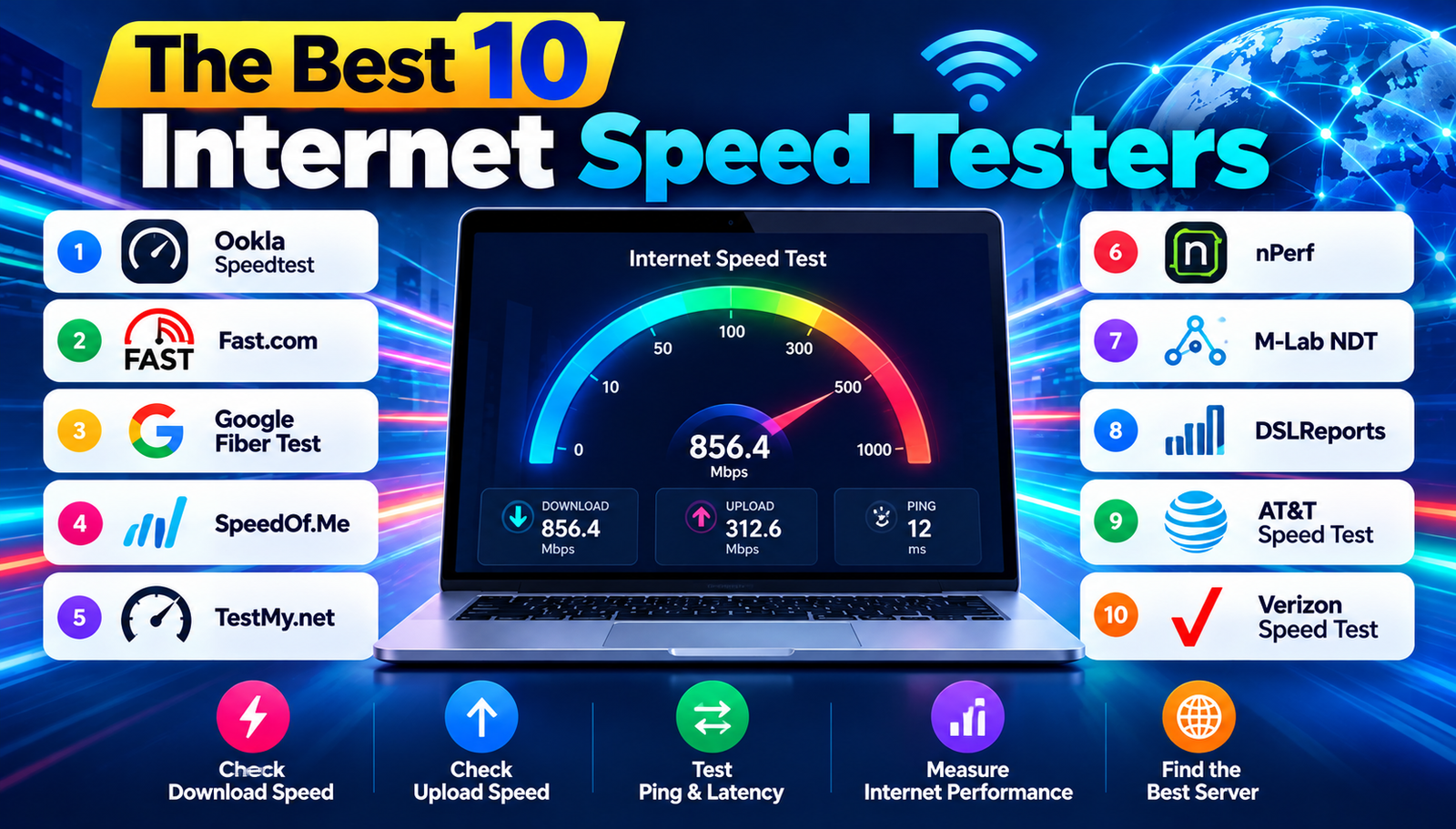
10 Best Internet Speed Test Tools to Check Your Connection
Explore the best 10 internet speed testers, their strengths, drawbacks, and how to pick the perfect tool for accurate speed measurements.
Surprising statistic: Over 70% of broadband users have never verified their advertised speed, and many discover a gap of 20 Mbps or more when they finally run a test. Choosing the right internet speed tester matters because it determines whether the data reflects real‑world performance or is skewed by server location, testing protocol, or device limitations. An inaccurate test can lead to unnecessary upgrades, false complaints to ISPs, or missed opportunities to troubleshoot network bottlenecks. This guide explains why a reliable speed test matters, outlines the most trusted tools, and helps readers pick the perfect match for their needs.
What Does Internet Speed Testing Mean?
An internet speed test measures the rate at which data travels between a device and the internet, expressed in megabits per second (Mbps) for download and upload speeds. Download speed the speed at which data is received from the web, such as streaming video or loading webpages is usually higher than upload speed, which is the rate at which data is sent from the device, such as uploading files or video calling. The test also records latency (ping) the time it takes for a small data packet to travel to a server and back, measured in milliseconds (ms) and sometimes jitter the variation in latency over multiple packets, which affects real‑time applications like gaming.
Before comparing tools, readers should understand four key metrics that define a good speed test: accuracy (how close the result is to the actual capacity of the connection), server selection (whether the test uses a nearby server to reduce routing bias), consistency (whether repeated tests give similar results), and usability (how easy the interface is for non‑technical users). The table below summarizes these metrics.
- Accuracy
- Why It Matters: Shows true bandwidth and prevents over- or under-estimation.
- Typical Indicator: Within 5% of ISP-provided speed.
- Server Selection
- Why It Matters: Reduces distance-related latency and improves relevance.
- Typical Indicator: Automatic nearest-server choice.
- Consistency
- Why It Matters: Ensures repeatable results for troubleshooting.
- Typical Indicator: Low variance across 3+ runs.
- Usability
- Why It Matters: Makes testing accessible to non-technical users.
- Typical Indicator: Simple UI with clear results.
Major Internet Speed Testers Developments
1. Ookla Speedtest (Speedtest.net)
Ookla Speedtest is the most widely recognized tool, offering browser‑based and mobile apps with a large global server network. It uses HTTP and TCP protocols to gauge both download and upload speeds, and displays latency, jitter, and packet loss.
What You Gain:
- Extensive server pool in over 190 countries ensures low‑distance testing.
- Detailed analytics, including historical graphs and ISP comparison.
- Cross‑platform availability (web, iOS, Android, Windows).
Hurdles to Overcome:
- Ads on the free version can distract casual users.
- Advanced features (e.g., VPN detection) require a paid subscription.
Best for: Users who want a reputable, feature‑rich test with global coverage.
2. Fast.com (Netflix)
Fast.com is a minimalist test created by Netflix, focusing primarily on download speed to reflect streaming performance. It runs automatically when the page loads, measuring via HTTP over a single connection.
What You Gain:
- Ultra‑simple interface no buttons or settings to navigate.
- Fast results, typically within 5–10 seconds.
- No advertisements, preserving a clean experience.
Hurdles to Overcome:
- Limited to download speed; upload, ping, and jitter are hidden unless expanded.
- Server pool is smaller than competitors, mainly Netflix edge nodes.
Best for: Quick checks of streaming‑related download speed without extra fluff.
3. Google Fiber Speed Test
Google Fiber Speed Test is a web‑based tool that leverages Google's infrastructure to provide quick measurements. Although originally intended for Google Fiber customers, it works for any broadband connection.
What You Gain:
- Lightning‑fast result generation due to Google's high‑capacity servers.
- Clean design with instant visual gauges.
- Integrated with Google Search for easy access.
Hurdles to Overcome:
- Server selection is limited to Google's data centers, which may not be optimal for all regions.
- Lacks detailed historical data or advanced analytics.
Best for: Users who value speed and simplicity and live near a Google data center.
4. SpeedOf.Me
SpeedOf.Me is an HTML5‑based tester that runs entirely in the browser without requiring Flash or Java. It measures download, upload, and latency using multiple parallel connections to simulate real‑world usage.
What You Gain:
- HTML5 technology works on most modern browsers, including mobile.
- Multiple connection testing mimics multi‑threaded downloads.
- Provides a visual chart of speed over time.
Hurdles to Overcome:
- Server list is smaller than Ookla's, potentially affecting accuracy in remote areas.
- Interface feels dated compared with newer competitors.
Best for: Users who need an ad‑free, browser‑only test that simulates multi‑threaded traffic.
5. TestMy.net
TestMy.net offers a suite of tests, including separate download, upload, and latency checks. It uses its own proprietary algorithm and allows users to select specific server locations.
What You Gain:
- Custom server selection provides control over test distance.
- Separate download and upload tests give granular insight.
- Free tier includes detailed result logs.
Hurdles to Overcome:
- Results can be slower to generate due to sequential testing.
- Interface includes promotional banners for premium plans.
Best for: Advanced users who want granular control over server choice and test parameters.
6. nPerf
nPerf combines speed testing with a suite of network diagnostics, including browsing, streaming, and gaming simulations. It runs on web and mobile platforms.
What You Gain:
- Comprehensive performance profile beyond raw speed numbers.
- Real‑world scenario simulations for streaming and gaming.
- Global server network with automatic selection.
Hurdles to Overcome:
- Longer test duration due to multiple scenario runs.
- Free version limits the number of tests per day.
Best for: Users who need a holistic view of how their connection handles different applications.
7. Measurement Lab (M-Lab) NDT
M-Lab NDT (Network Diagnostic Tool) is an open‑source platform that provides detailed network diagnostics, focusing on throughput and latency. It is often used by researchers and ISPs for deep analysis.
What You Gain:
- Open data that can be exported for further analysis.
Hurdles to Overcome:
- Technical interface may overwhelm casual users.
- Results are raw and require interpretation.
Best for: Technical audiences and professionals needing in‑depth network diagnostics.
8. DSL Reports Speed Test
DSL Reports offers a classic speed test that includes download, upload, ping, and jitter, with the ability to choose from multiple server locations worldwide.
What You Gain:
- Long‑standing reputation among broadband enthusiasts.
- Option to view detailed packet loss and jitter statistics.
- Community forums for troubleshooting.
Hurdles to Overcome:
- Interface feels dated and cluttered with ads.
- Test can be slower due to older testing methodology.
Best for: Users who value community support and detailed packet‑level data.
9. AT&T Speed Test
AT&T Speed Test is a proprietary tool designed for AT&T customers but works for any connection. It leverages AT&T’s own network infrastructure for testing.
What You Gain:
- Optimized for AT&T network paths, providing accurate results for AT&T users.
- Simple one‑click interface.
Hurdles to Overcome:
- Limited server selection outside AT&T’s backbone.
- Brand‑specific bias may affect perceived neutrality.
Best for: AT&T subscribers seeking a quick, reliable check on their service.
10. Verizon Speed Test
Verizon’s Speed Test mirrors the AT&T offering but is tailored to Verizon’s network, offering quick download, upload, and latency measurements.
What You Gain:
- Accurate for Verizon fiber and DSL connections.
- Minimalist design with instant results.
Hurdles to Overcome:
- Server pool is restricted to Verizon’s infrastructure.
- Lacks advanced analytics found in third‑party tools.
Best for: Verizon customers who want a quick validation of their service.
Comparison of the Top 10 Testers
- Ookla Speedtest
- Best For: General users needing detailed analytics
- Difficulty: Easy
- Cost: Free with ads / Paid premium
- Speed of Result: Medium (10–15 seconds)
- Fast.com
- Best For: Quick streaming speed checks
- Difficulty: Very Easy
- Cost: Free
- Speed of Result: Fast (5–10 seconds)
- Google Fiber Test
- Best For: Fast, clean results near Google nodes
- Difficulty: Very Easy
- Cost: Free
- Speed of Result: Very Fast (3–7 seconds)
- SpeedOf.Me
- Best For: Browser-only, multi-threaded simulation
- Difficulty: Easy
- Cost: Free with ads
- Speed of Result: Medium (12–18 seconds)
- TestMy.net
- Best For: Custom server selection
- Difficulty: Medium
- Cost: Free / Paid premium
- Speed of Result: Slow (20–30 seconds)
- nPerf
- Best For: Full performance profiling
- Difficulty: Medium
- Cost: Free with limits
- Speed of Result: Long (30–45 seconds)
- M-Lab NDT
- Best For: Technical diagnostics
- Difficulty: Hard
- Cost: Free
- Speed of Result: Medium (15–20 seconds)
- DSLReports
- Best For: Community-driven detailed stats
- Difficulty: Medium
- Cost: Free with ads
- Speed of Result: Medium (12–18 seconds)
- AT&T Speed Test
- Best For: AT&T customers
- Difficulty: Very Easy
- Cost: Free
- Speed of Result: Fast (5–10 seconds)
- Verizon Speed Test
- Best For: Verizon customers
- Difficulty: Very Easy
- Cost: Free
- Speed of Result: Fast (5–10 seconds)
How to Choose the Right One
First, consider purpose. If the goal is a quick check of streaming capability, a minimalist tool like Fast.com or Google Fiber Test provides instant download numbers without extra clutter. For troubleshooting, a tester that offers latency, jitter, and packet loss such as nPerf or DSLReports delivers the depth needed to isolate issues.
Second, evaluate accuracy versus convenience. Tools that use large server networks (Ookla Speedtest, nPerf) tend to produce more reliable results because they can select the nearest server, reducing the impact of distance on latency. However, these often include ads or require a premium subscription for ad‑free experiences.
Third, think about device compatibility. Users on mobile devices benefit from native apps (Ookla Speedtest, nPerf) that can run background tests and store results. Browser‑only solutions (SpeedOf.Me, TestMy.net) are ideal for desktop users who prefer not to install additional software.
Fourth, factor in cost. While most testers are free, premium tiers unlock features like extended history, multiple simultaneous tests, and removal of advertisements. If those extras are not essential, the free version of any major tester is sufficient for occasional checks.
Finally, reflect on data privacy. Some services collect and sell anonymized data for network research. Users concerned about privacy may prefer open‑source platforms like M‑Lab NDT, which publish raw data openly and do not embed tracking scripts.
Why This Matters to You
Choosing an accurate speed tester helps confirm whether the ISP delivers the promised bandwidth, preventing unnecessary upgrades and saving money.
Accurate measurements empower users to identify bottlenecks in their home network, such as outdated routers or Wi‑Fi interference, leading to targeted improvements.
When streaming high‑definition video, knowing the true download speed ensures smooth playback without buffering, enhancing entertainment experiences.
For remote workers, reliable upload speed data guarantees that video conferences and large file transfers occur without disruption, supporting professional productivity.
Gamers benefit from precise latency and jitter readings, allowing them to select servers or adjust settings for optimal gameplay performance.
Finally, documented speed test results provide solid evidence when filing complaints or negotiating with ISPs, turning vague frustrations into factual arguments.
Key Takeaways
Understanding the core metrics of accuracy, server selection, consistency, and usability guides the selection of the most suitable internet speed tester. The top 10 options each excel in different scenarios whether it is quick streaming checks, deep diagnostics, or brand‑specific validation. By aligning purpose, device, cost, and privacy preferences, readers can confidently choose the tool that delivers reliable, actionable performance data.
Contact
Missing something?
Feel free to request missing tools or give some feedback using our contact form.
Contact Us